Build tier
Define workload, performance direction and customer profile.
Translate build tiers into compatible component sets with clear fit, power, cooling, assembly and repeat-order requirements.
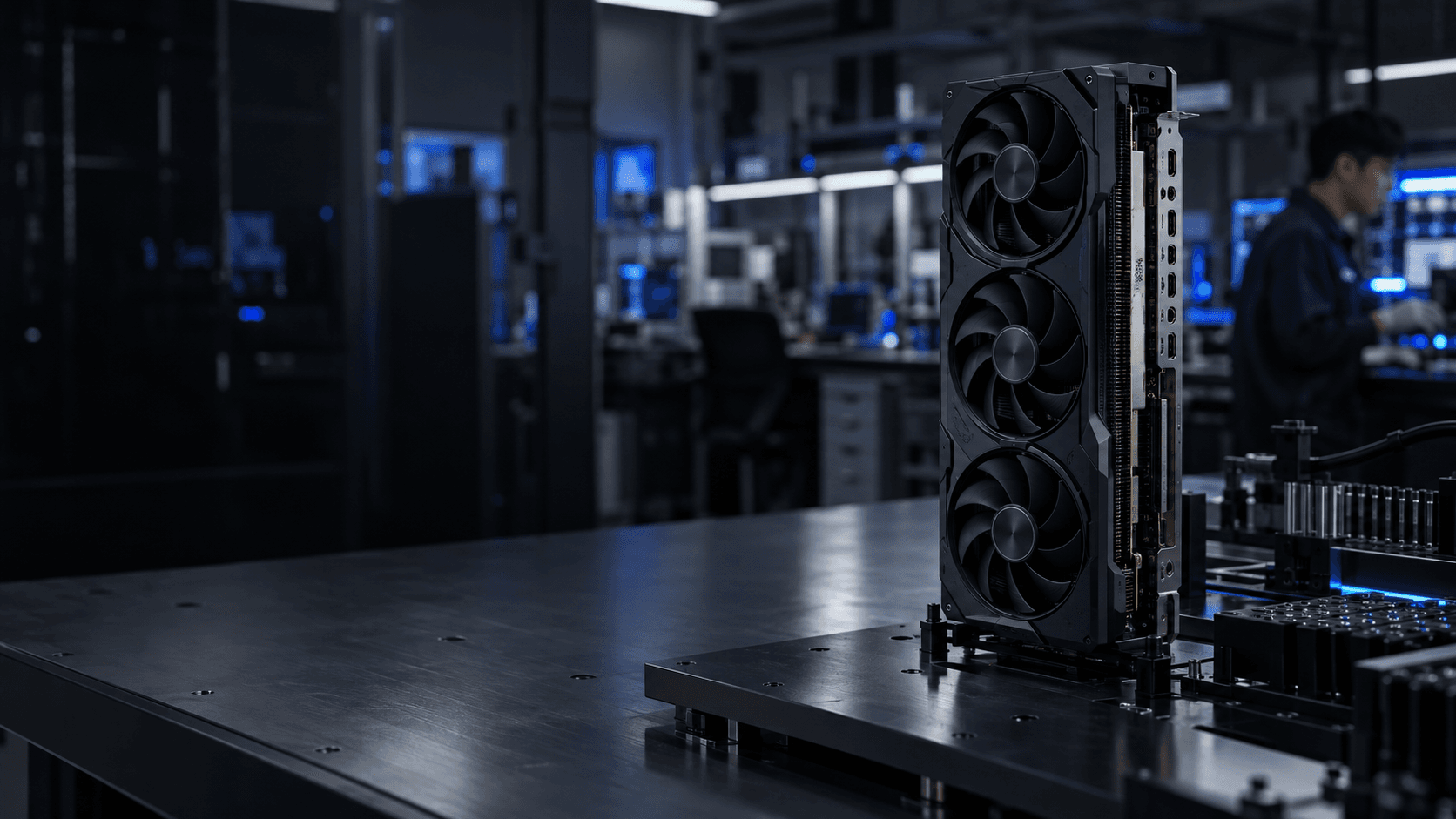
Define workload, performance direction and customer profile.
Align CPU, motherboard, memory and expansion requirements.
Match GPU demand, PSU output, connectors and cable routing.
Review case airflow, cooler height and radiator positions.
Identify clearances, accessories and installation preparation.
Record approved specifications and change-control expectations.
Custom builders reduce avoidable integration work when the RFQ explains the complete hardware stack, target workload, enclosure constraints and assembly process.
| Build definition | Gaming, creator, workstation or commercial desktop direction. |
|---|---|
| Platform | Processor family, motherboard form factor, memory and storage interfaces. |
| Mechanical fit | GPU length, slot width, cooler height, radiator position and cable space. |
| Power and thermal | System load, PSU connectors, fan layout and airflow path. |
| Validation | Sample installation, boot, interface, thermal-direction and appearance review. |
| Repeat orders | Approved references, disclosed changes, labels, packing and shipment checks. |
Review the component set as a build architecture so downstream fit, cable and thermal dependencies are visible early.
The useful sample process covers installation fit, interfaces, power connections, airflow direction, boot or functional behavior and visible presentation. Final system validation remains the builder’s responsibility, supported by a clear approved component reference.
Explore factory capabilities
Align the market, application, component scope, quantity, destination and commercial priorities.
Prepare reviewable product and configuration directions around the approved requirement.
Check fit, function, installation preparation and presentation in the intended use context.
Record relevant model, appearance, labeling, packing and inspection checkpoints.
Confirm quantities, carton information, documents and agreed release requirements.
Yes. A full specification helps identify dependencies between the motherboard, GPU, PSU, chassis and cooling direction.
Confirm form factors, interfaces, dimensions, connectors and cooling clearances, then test the approved samples in the intended system.
Available preparation depends on the product and packing plan. Describe the assembly workflow, accessory needs and labeling method for review.
A material change should be disclosed and checked against the approved requirement before it is used for a repeat order.
Packing and identification options can be reviewed for eligible order plans when the required grouping and labels are clearly specified.
Include the bill of requirements, target applications, compatibility constraints, quantities, destination and requested build schedule.