B2B BUYER’S GUIDE
Motherboard OEM Buying Guide: From Platform Brief to Approved BOM
Choose a motherboard around the finished computer, then control the platform, firmware and interfaces that make the program repeatable.
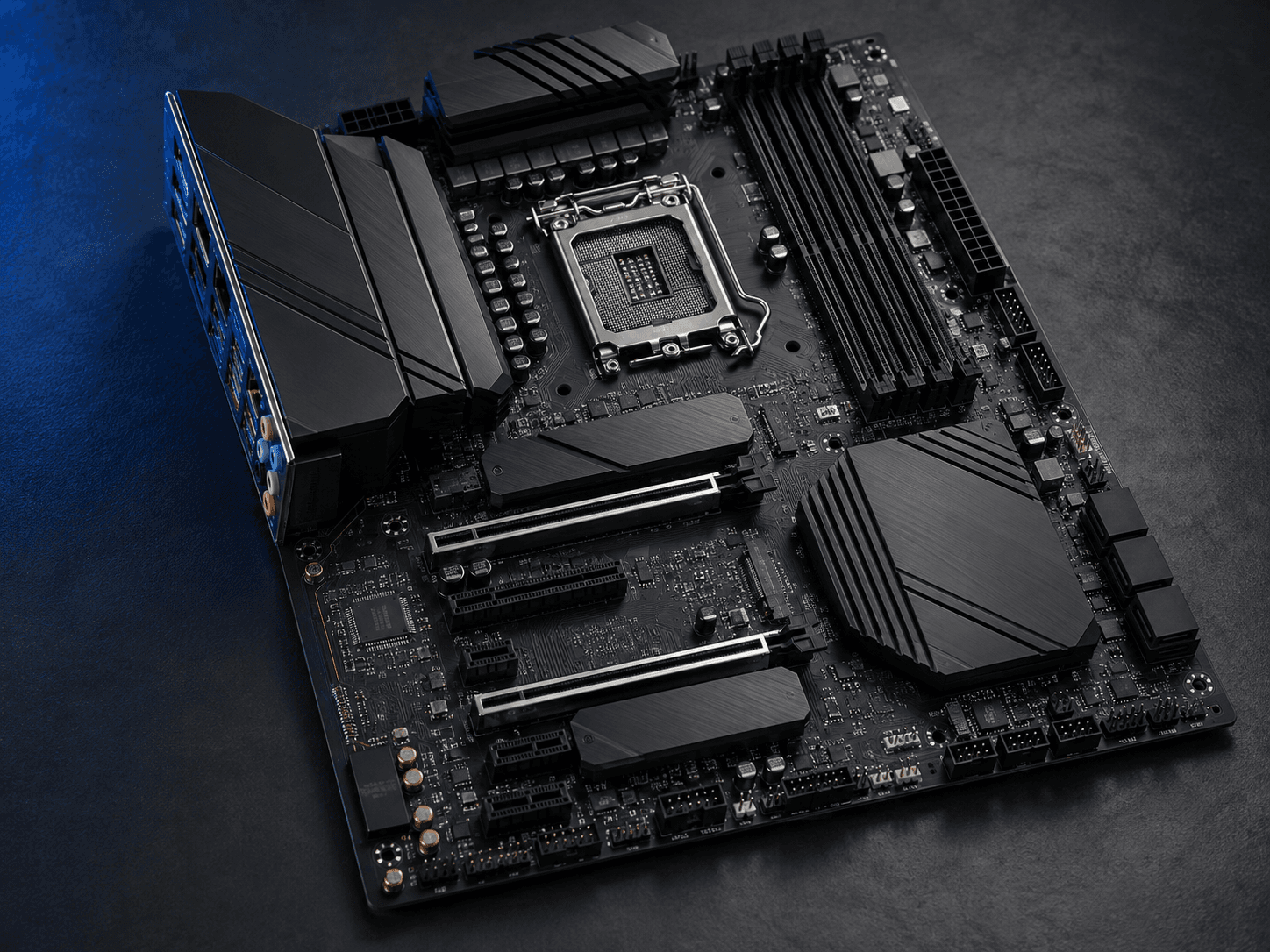
Editorial illustration. Not a photograph of an actual Hekut test or shipment.
Introduction: define what OEM means for your order
An OEM motherboard request can mean several different things: purchasing a standard board in volume, specifying a controlled configuration, adding private-label packaging or developing a substantially different design. These scopes have different engineering needs, order economics and approval processes. Start by explaining the finished PC program rather than assuming every supplier interprets 'OEM' identically.
The motherboard connects the CPU, memory, storage, graphics, cooling controls and external peripherals. It also carries firmware settings that affect boot and deployment. A low purchase price is valuable only when the selected board can be assembled, configured and supported within the customer's requirements.
This guide helps PC brands, system integrators and distributors prepare a useful sourcing brief and approval record. It describes recommended procurement practices, not Hekut's undocumented production procedures or customer results. Any customization, specific capability or test scope must be confirmed for the proposed product and order.
Write a platform brief before requesting motherboard options
Describe the computer's application and expected operating environment. An office fleet, a compact commercial terminal and a creator desktop may share a CPU family but require different ports, expansion layouts and service access. Include the operating system, target software, monitor arrangement, network needs, enclosure constraints and planned support period.
Separate mandatory requirements from preferences. The required CPU, memory generation, chassis interface and critical external ports may be fixed. A cosmetic color or an extra connector may be optional. This distinction lets a supplier propose a feasible standard board before assuming a custom design is necessary.
Include volume expectations and release pattern. State whether the inquiry is for one purchase, a pilot followed by several releases or a longer program with forecast demand. Ask how proposed configurations are controlled across releases. Forecasts help planning, but their commercial meaning should be stated rather than assumed.
Define who approves platform decisions. Engineering should close CPU, memory, layout and firmware questions; purchasing should close commercial scope; the deployment team should review installation and software-image behavior. A single consolidated requirements document helps these groups avoid approving different interpretations of the same motherboard.
Check CPU support and firmware as one decision
Match the exact processor with the board manufacturer's CPU support information and required firmware. Socket naming alone is not enough to establish a supported configuration. Intel's public guidance for its 600- and 700-series platforms illustrates that firmware can be necessary for support across processor generations. Apply that lesson through the selected board's current support information.
Record the intended shipping BIOS or UEFI version and any required settings. Ask whether boards will arrive prepared for the approved CPU, whether a configuration step is needed during assembly and how that step will be documented. Do not assume a board taken from stock carries the firmware used during a demonstration.
Agree an update process for later releases. Firmware changes can address compatibility or other issues, but a volume program also needs a controlled way to introduce and validate them. Record who reviews release notes, which representative configurations are checked and how the shipping version is identified. Avoid freezing a version indefinitely without an update policy.
Plan recovery and support. Ask which documented recovery or update methods are available and what tools or processors are needed. A method that works on an engineering bench may be inconvenient on a production line. The objective is a repeatable process appropriate to the supplier's exact board, not a generic promise that BIOS updates are easy.
Specify memory and storage configurations precisely
State the memory type, capacity, module count and intended operating settings. A maximum-capacity claim does not identify which actual module configuration has been reviewed. If a particular memory kit or module is already approved, provide its exact identity. Changes in module count or operating profile can justify additional validation.
Manufacturer qualified-vendor lists are useful starting evidence for specific combinations. ASUS publishes guidance for finding CPU and memory QVL information. A listing should be read for the exact board and module details, while an unlisted module should be treated as a candidate requiring appropriate review rather than automatically assumed impossible or guaranteed suitable.
For storage, identify the number and type of drives, mounting arrangement and intended boot device. Check the motherboard manual for slot and connector dependencies. A board advertised with several storage connections may have model-specific resource-sharing rules. Confirm the fully populated configuration you intend to sell, not only the first drive installed on the sample.
Include installation preparation details such as required screws, heatsink hardware and access after the graphics card is installed. Assembly teams should know which pads or protective films require removal according to the selected product's instructions. A technically supported drive can still be awkward to install if access and accessory scope are ignored.
Audit I/O and headers against the actual enclosure
Create a port matrix showing rear I/O and internal headers separately. Include USB functions, display outputs, networking, audio and any application-specific connections. Note how each port will be used. A long feature list is less helpful than knowing that the customer can connect its required devices simultaneously.
Match internal headers with the case's front-panel connectors and cooling arrangement. Confirm connector identity, location and cable reach. Do not assume that a case port will function because the board has a visually similar header. Use the exact board and enclosure documentation, then verify the representative assembled system.
Check clearance around right-angle connectors, lower-edge headers and the main expansion slot. A thick graphics card can limit access to other devices or make an assembly step difficult. Record installation order when the layout requires it. Service technicians also need a practical route to disconnect or replace parts without damaging neighboring connections.
Review outputs in the context of the selected CPU and graphics plan. A physical display connector on a motherboard does not itself establish an available graphics function for every processor configuration. Confirm the documented platform requirements and test the display arrangement the customer will deploy. Keep motherboard outputs distinct from graphics-card outputs in the specification.
Separate available customization from new engineering
Ask the supplier to divide the proposal into standard product features, configurable items and changes requiring engineering development. Packaging artwork and labels differ significantly from a modified port layout or firmware feature. They also require different approval evidence. Clear scope prevents a branding discussion from being mistaken for a custom-board commitment.
For labeling, define text, artwork ownership, revision, placement and review responsibility. For packaging, define protective construction separately from retail graphics. For firmware customization, ask what is proposed, what support is available and which validation steps are required. Avoid assuming that a boot logo implies control over all firmware behavior.
Where new design work is proposed, request an engineering scope, milestones, sample stages, commercial responsibilities and acceptance criteria. Clarify what happens if a requirement cannot be met. A buyer should understand whether the quotation covers an existing tested configuration or a development project with unresolved design questions.
Do not infer certification or regulatory coverage from the presence of a logo on a sample image. Product and destination requirements must be reviewed for the exact offered configuration. Request applicable evidence and verify its scope. Changes to the board or complete system may require a different assessment, which should be handled by qualified parties for the intended market.
| Requested change | Scope to clarify | Approval evidence |
|---|---|---|
| Retail packaging artwork | Graphics and information only | Approved artwork revision |
| Board label | Identity, position and durability needs | Label specification and sample |
| Firmware setting profile | Defined options and shipping state | Versioned configuration record |
| Port or board-layout change | New engineering feasibility | Design scope and validated samples |
| Component substitution | Effect on fit, function and support | Change notice and reapproval |
Design a representative validation plan
Validate the board in the intended computer rather than treating a bench boot as complete approval. Include the approved CPU, memory, storage, graphics, PSU, cooling and case. Record the exact configuration and firmware settings. Use a defined workload or deployment task so the result answers the customer's real question.
Choose checks covering startup, device recognition, required I/O and relevant operating transitions. For a fleet program, verify the intended software installation process and device-driver availability. For a workstation program, include the required application project. Use appropriate acceptance criteria rather than calling every successful screen a pass.
Microsoft lists firmware and security-related requirements for Windows 11, including UEFI Secure Boot capability and TPM 2.0. If that operating system is part of the program, review the complete published requirements and validate the proposed configuration. A motherboard feature list alone does not establish that the finished system satisfies every operating-system requirement.
Document anomalies with reproduction details. A failure may involve memory configuration, firmware, a cable, power or another component. Diagnose the issue systematically rather than assuming that any failure in a motherboard sample must originate on the board. Close the cause or define an approved limitation before volume release.
Validate the deployment process as well as the hardware
A procurement sample should also show whether the deployment team can prepare systems consistently. Record the installation media, driver package, firmware settings and checks needed after imaging. If a network device is not available until a driver is installed, plan the installation path rather than discovering the dependency on a busy assembly line. Keep this process specific to the approved board; another board using a similar chipset can require different device drivers or settings.
Agree how credentials, security settings and customer data are handled during preparation. The supplier may perform a hardware check while the buyer completes software deployment. State the boundary clearly. A successful factory testing record does not prove that a customer's final software image has been validated unless that image and task were included in the agreed scope. The handover should make these responsibilities understandable to both technical teams.
Control repeat supply, packaging and change notices
Define the controlled BOM at a useful level. The board's commercial model, revision, firmware baseline and required accessory scope should be identifiable. Ask which changes will trigger notification and how much review time is available. A silent substitution can affect a PC program even when a supplier considers the replacement equivalent.
Agree the protective packaging and accessory list. Include items needed for assembly, such as the applicable I/O shield, storage hardware or antennas when supplied for the configuration. Decide whether boards arrive individually packed for resale or in a format intended for an assembly line. These formats serve different receiving and presentation requirements.
Shipment inspection should check identity, quantity, visible condition, accessories and agreed functional samples against the approved baseline. A board that boots can still be the wrong revision or arrive without a required accessory. Use separate checkpoints so one successful function test does not conceal another discrepancy.
Ask how support and end-of-supply communication will work. A motherboard program often outlasts the initial purchase. The buyer needs a plan for replacement units, approved alternatives and firmware information. No supplier can promise perpetual availability, but transparent change and support procedures help the buyer make realistic commitments to its own customers.
Set a realistic lifecycle and replacement plan
Explain the support period expected for the finished PC and distinguish it from the planned purchasing period. A buyer may assemble systems for one year while needing replacement support afterward. Ask what the supplier can commit to for each period and what remains an estimate. If spare units are proposed, agree their configuration, storage conditions and stock rotation responsibility. Buying extras without a documented plan can create aging inventory rather than useful service capacity.
Prepare an alternate-platform process before availability becomes urgent. List the interfaces that an alternative must preserve, such as case mounting, front-panel wiring, CPU and memory compatibility, and the software installation path. An alternate motherboard can be commercially available yet require a different driver image or installation instruction. The approval process should identify these effects early rather than declaring equivalence from a chipset name alone.
Keep support files accessible to the buyer's engineering and service teams. Store the approved manual, firmware reference, driver information, BOM and configuration record together. Assign someone to maintain the links or archive permitted copies where appropriate. These records make a future service investigation more efficient and allow another employee to understand the program without reconstructing the original quotation conversation.
Illustrative OEM procurement example: an office PC line
Consider an illustrative PC brand preparing an office desktop with two memory modules, one boot drive, wired networking and a case with fixed front-panel ports. The buyer initially asks for a custom motherboard because one preferred catalog model has an incompatible front-panel header. Before authorizing development, engineering creates a matrix of mandatory interfaces and optional features.
A second standard-board candidate appears to meet the I/O brief, but its stock firmware still needs confirmation for the intended CPU. The buyer requests an exact firmware proposal and representative sample. The sample is installed in the real enclosure, checked with the selected modules and run through the intended software deployment process.
The final choice may be the standard candidate with controlled firmware and packaging, saving the complexity of a new design. Alternatively, a genuinely mandatory interface may justify development. The important result is a decision supported by documented requirements. This example is a procurement illustration, not a report of a Hekut customer project or a claim that either route always costs less.
FAQ: buying motherboards for OEM programs
Is a matching CPU socket enough to approve a board?
No. Confirm the exact processor through current board support information, including the required firmware and relevant settings. Then validate the complete representative system with the intended workload.
What should an OEM motherboard RFQ include?
Include the application, CPU, memory and storage configuration, graphics plan, enclosure, required ports, operating system, quantity, destination, schedule and customization scope. State which requirements are fixed and which can be proposed.
Does private-label packaging mean the motherboard is custom designed?
No. Packaging and labels can be separate from the board's electrical design and firmware. Ask the supplier to identify standard, configurable and development items in the proposal.
Should a board remain on the same BIOS forever?
A program needs a controlled update policy, not an assumption that one version is permanent. Review relevant changes, validate affected configurations and record the approved shipping version.
What does a memory QVL tell a buyer?
It provides manufacturer-published compatibility evidence for listed combinations under the described conditions. Match exact details and still validate the intended configuration. Absence from a list is not the same as proof of incompatibility.
Conclusion: source the platform you can repeat
A motherboard OEM purchase succeeds when the finished PC's requirements are translated into a controlled board, firmware and interface configuration. Clear customization scope and practical validation reduce surprises during assembly and repeat purchasing.
Send Hekut the application, proposed BOM, quantity, destination and required customization through the contact page or info@Hekut.com. Request a clear proposal identifying the exact platform, open validation questions and the evidence needed before release.