B2B BUYER’S GUIDE
CPU Cooler Sourcing Checklist for OEM Buyers and PC Distributors
Specify the processor, installed envelope, mounting kit and validation conditions before comparing CPU cooler quotations. A complete kit matters as much as the heatsink.
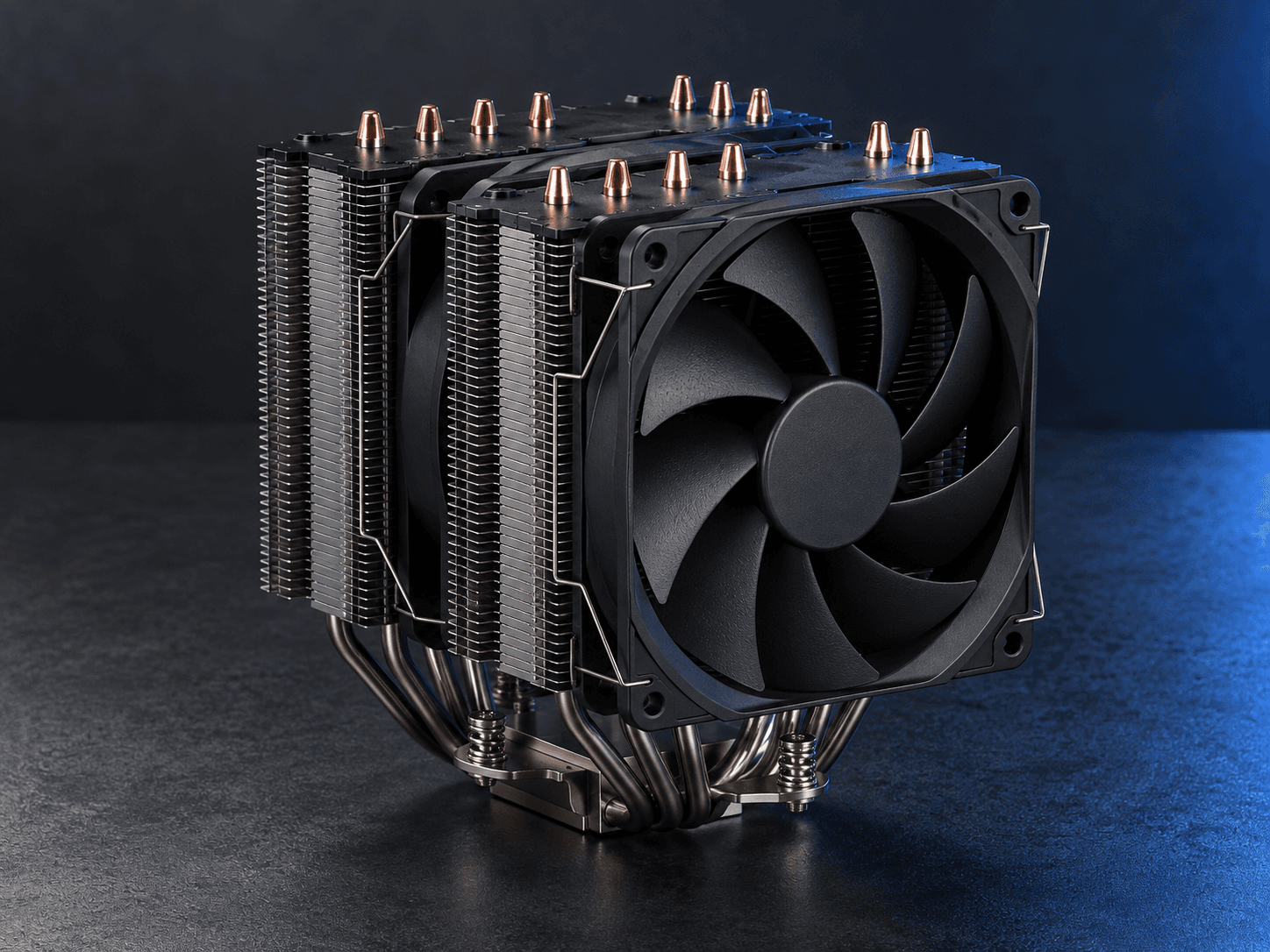
Editorial illustration. Not a photograph of an actual Hekut test or shipment.
Introduction: what belongs in a CPU cooler sourcing brief?
A CPU cooler sourcing brief should identify the processor platform, socket and mounting kit, available space, fan and control requirements, thermal operating conditions and the complete accessory set. A purchasing description such as tower cooler for gaming computers is too broad to establish fit or performance. Two visually similar products can arrive with different brackets, fan connectors or installation instructions, and those differences matter during assembly.
This checklist is intended for OEM brands, system integrators and distributors ordering repeatable desktop cooling products. It covers air coolers in detail and identifies additional AIO questions where relevant. Suggested tests and inspection methods are recommendations, not claims of completed Hekut laboratory work. Illustrative examples show decision processes without inventing customer projects, performance results or certifications. Confirm model-specific specifications and the agreed supply scope before placing an order.
Define the processor and operating conditions precisely
Give the supplier the exact processor model, motherboard and intended firmware configuration. Include whether the system uses standard platform settings or an approved custom power limit. Processor behavior under sustained load can differ from a simple base-power label. Read the manufacturer's thermal information and make the intended operating settings part of the qualification record so the test can be reproduced.
Describe the product application, including typical and sustained workloads. Office bursts, graphics-heavy gaming and long CPU rendering tasks create different operating patterns. State the expected ambient range and whether the computer sits in a constrained cabinet. Do not ask the supplier to guarantee a temperature without also defining workload, environment, platform settings and noise expectations.
Treat cooler wattage claims as preliminary selection information. There is no single universal cross-brand cooler TDP method that guarantees identical results on every processor. Ask what test conditions support the supplier's claim and whether model-specific CPU guidance exists. Approve the cooler from an evaluation of the intended platform instead of accepting a numerical match between two catalog labels.
Verify socket support through the actual mounting kit
A socket name on the carton should lead to an identifiable set of mounting parts and instructions. Request the bracket, backplate, spacers, screws and any platform-specific washers included in the quoted kit. Some platforms use retained motherboard hardware while others require a supplied backplate. Follow the particular cooler and board instructions rather than assuming a familiar-looking bracket is interchangeable.
Check whether the advertised socket support applies to the supplied revision or requires a separately ordered kit. This is especially important when buying existing stock during a platform transition. Ask how cartons and accessory bags distinguish revisions. A distributor should be able to describe what the customer receives without opening every unit or relying on a sales representative's memory.
Build a sample using the actual motherboard and processor mounting area. Confirm access to fasteners, backplate seating and clearance around heatsinks or capacitors. Check that the installation does not require an unauthorized motherboard modification. Preserve the approved kit identifiers and photographs so the factory and the receiving assembly team can compare the contents with the same reference.
Measure the installed envelope with memory and chassis
Request the full cooler dimensions and the assumptions behind them. Include heatpipe ends, fan clips and any fan position adjustment. A tall memory module may force the front fan upward, increasing installed height. That interaction should be checked with the actual memory, motherboard and enclosure. A specification that fits on paper with no margin may still create panel pressure or assembly difficulties.
Inspect the area around the processor socket, including motherboard heatsinks, the first expansion slot and nearby connectors. Large fin stacks can complicate access even when they do not make physical contact. Ask whether the CPU power lead and memory can be serviced without removing the cooler. The answer may influence whether a particular design is suitable for a fleet with frequent local servicing.
For a low-profile case, check the cooler's intake relationship with the panel and any overhanging storage tray. For an AIO, evaluate radiator tanks, fans, hoses and mounting offsets rather than nominal radiator size alone. The purchasing approval should identify the complete installed arrangement and any excluded component combinations, making it usable for both assembly and sales specification teams.
Specify the fan, connector and control behavior
Identify the fan model or an agreed controlled specification, including dimensions, supply voltage, rated current, connector, cable length and supported speed-control method. Confirm the motherboard header limits and any hub arrangement from the relevant documentation. A physically fitting connector is not enough to establish compatibility when proprietary wiring is involved. Keep lighting and motor-power requirements separate in the brief.
Ask what speed information is reported and how the system behaves at low control settings. A fan that stalls or repeatedly restarts under the intended curve may create noise or a cooling problem. Qualify the actual motherboard and controller arrangement rather than assuming every board detects the correct mode. Document the approved settings, including any firmware-dependent behavior.
Acoustic claims need context. Ask for the test distance, operating point and environment where relevant. Compare candidates under the system's intended speed behavior, not only at maximum speed or an unspecified laboratory point. If a replacement fan is permitted, define what requires requalification. A similar frame size does not establish equivalent cooling, acoustics, connector wiring or startup behavior.
Control thermal interface material and assembly steps
The thermal interface is part of the cooling assembly, whether material arrives preapplied or is dispensed during installation. Identify the supplied material and its handling instructions. Confirm whether a protective cover or film must be removed and how that step is made visible in the assembly instruction. An otherwise suitable cooler can perform poorly if installation preparation is inconsistent.
Follow the cooler manufacturer's fastening sequence and force or torque guidance where provided. Do not invent a universal tightening value for all brackets. Use the supplied hardware and ensure technicians can distinguish similar screws or spacers. If the process uses a tool setting, approve it against the specific assembly and keep it aligned with the mounting-kit revision.
Define the process for reinstallation. Removing a cooler can require cleaning and replacement thermal material according to the product instructions. Keep suitable approved service material available rather than allowing arbitrary substitutions. An installation work instruction should show the contact area, mounting orientation and final fan lead routing, with photographs that match the kit actually supplied.
Request a qualification plan instead of an unsupported promise
The qualification plan should name the hardware configuration, firmware, power settings, enclosure, ambient measurement, workload and duration. Define the fan controls and what will count as acceptable operation. Relevant processor limits come from the processor manufacturer. Include performance or throttling behavior where it affects the customer's application rather than reducing approval to a single temperature snapshot.
Check idle operation, sustained intended workloads and any additional engineering stress scenarios that are appropriate. Let the system reach a meaningful operating state before comparing results. Save raw logs and record interruptions or anomalies. A short video of a computer running can be useful context, but it is not a substitute for a defined method and interpretable evidence.
If multiple coolers are compared, hold the rest of the system and the comparison rules constant. Check installation consistency between runs. A larger temperature difference can come from mounting variation or changed settings, so investigate before treating it as a product advantage. Keep conclusions within the tested scope and do not turn a sample result into a universal guarantee across processors and cases.
Build an incoming and pre-shipment inspection checklist
Define the purchased kit and inspect representative units against it. Check the heatsink or radiator identifier, fan, mounting bag, thermal material, manual and protective pieces. Missing spacers can stop assembly even when the main cooler is correct. If multiple socket kits share similar packaging, verify their labels and contents at a level appropriate to the agreed inspection plan.
Inspect physical condition: bent fins beyond the agreed cosmetic limit, damaged base protection, loose fan clips, stripped threads, broken connectors and cable abrasion. Define which conditions affect function and which are cosmetic, using observable acceptance criteria. For an AIO, add checks appropriate to the sealed assembly and supplier guidance. Do not ask untrained receiving staff to open a sealed loop.
Agree any functional checks, sample quantities and acceptance rules before production. If a shipment fails, record affected lots and the defect details, then determine containment and reinspection. Shipment inspection verifies the agreed supplied condition; it does not automatically repeat thermal qualification on every unit. Keep those scopes clear so a passed inspection is not misrepresented as individual performance certification.
| Checklist item | Record before ordering | Verify during approval or inspection |
|---|---|---|
| Platform | CPU, motherboard and operating settings | Exact sample configuration |
| Mounting | Socket-kit revision and contents | Parts, instructions and sample installation |
| Envelope | Height, memory and enclosure constraints | Actual assembled clearances |
| Fan controls | Voltage, current, connector and mode | Startup, speed response and reporting |
| Kit completeness | Material, accessories and manual | Quantity and approved identifiers |
| Thermal evidence | Method and acceptance criteria | Logs and configuration record |
Evaluate packaging for the cooler and completed system separately
Retail cooler packaging should protect the base, fins, fan clips and accessory kit through the intended distribution route. The design should prevent loose hardware from contacting the cooler and keep platform-specific parts identifiable. A sample that arrives intact does not establish repeatable pack-out consistency, so preserve the approved arrangement and include it in inspection.
Shipping a cooler installed in a complete PC introduces different loads. A large heatsink can place forces through the motherboard mounting area, while an AIO has its own installed components and routing. Work with the system and packaging teams to evaluate the completed product. The cooler's retail carton test does not cover this configuration, and an empty chassis approval cannot substitute for it.
Specify the shipped state and any transit supports with clear removal instructions. Review the packaging again when the cooler mass, mounting configuration or distribution route changes. If the product will move from warehouse pallets to individual parcels, reassess the route assumptions. Packaging evidence should identify the actual packed product and method rather than a general claim of export-ready protection.
Plan service parts and supplier change control
Ask how replacement fans, clips, mounting kits and complete assemblies are supplied. Confirm the model-specific warranty terms and the process for resolving a fault. Avoid assuming that every cooler can be economically repaired or that a fan with the same diameter is a suitable replacement. Define the service method that matches the customer's region and technical support resources.
Require notification of changes that affect fit, contact geometry, fan behavior, controls or kit contents. A small hardware revision can make an old installation instruction incorrect. Tie repeat orders to the approved configuration and identify which changes need sample review. If a supplier proposes an alternative, compare the relevant features rather than treating external appearance as evidence of equivalence.
For distributors, keep public listings aligned with the supplied revision. If socket support changes or a new accessory kit is introduced, update the carton, manual and website information consistently. Clear records reduce compatibility disputes and allow service teams to identify what a customer owns from a product code or lot reference, instead of asking the customer to interpret unmarked bracket pieces.
Illustrative example: a mounting-kit omission delays assembly
Imagine an illustrative integrator ordering a cooler described as supporting two desktop platforms. The sample includes both kits, but the quotation does not identify the accessory revision. Production arrives with only one platform kit. The heatsinks and fans look correct, yet half the planned systems cannot be assembled. This is an example of incomplete purchasing information, not a real Hekut delivery claim.
The preventive step is to make kit contents part of the quoted and approved product. The pre-shipment checklist should verify the relevant bags, instructions and identifiers. If a supplier offers a separate mounting kit, record its quantity and packing location. A photograph of an earlier sample is helpful evidence, but it does not replace a clear description of what the production order includes.
If such an issue occurs, contain the affected units and agree the correct replacement parts before local assembly improvises. Do not mix similar hardware from another cooler without manufacturer approval. After correction, update the bill of materials and inspection method so the purchasing lesson becomes a repeatable control rather than an isolated email exchange.
Turn the checklist into a comparable RFQ
Provide suppliers with the same brief and request quotations for complete configurations. Separate required features from optional proposals. Include branding, retail or bulk packaging, order quantities and destination assumptions, then ask for sample and production lead-time conditions. Compare like-for-like kits rather than a bare heatsink price against another supplier's complete assembly.
Ask technical questions early enough to influence the sample order. Missing dimensions, uncertain fan wiring and unclear bracket contents should be resolved before paying to transport several unsuitable candidates. Keep the open issue list short and assign responsibility for each answer. Procurement, engineering and assembly should approve the same record instead of maintaining separate informal descriptions.
After approval, preserve the exact parts, instructions and test conditions alongside the commercial quotation. This makes the next order faster and more reliable because the baseline remains visible. A checklist is most valuable when it supports an actual release decision: approved, rejected or pending specified evidence. A long document without a decision status can leave buyers with the same uncertainty as an incomplete catalog.
Frequently asked questions
How should mixed-platform cooler orders be organized?
If one shipment contains several mounting-kit variants, use distinct product or kit identifiers and clear carton quantities. Agree whether the kit is prepacked with each cooler or supplied separately. The receiving team should be able to reconcile the order without opening all retail boxes or guessing which loose parts belong together.
Test the receiving process on the first order. Ask an assembly worker to select the correct kit using only the supplied labels and instructions. Confusion at this stage is evidence that identification needs improvement before volume increases. This practical check complements the technical mounting approval and reduces avoidable local sorting work.
Is socket support enough to approve a CPU cooler?
No. Check the supplied mounting kit, motherboard clearance, memory, installed height, controls and thermal behavior in the intended system.
Can I compare cooler wattage ratings directly across brands?
Use them cautiously as screening information. Test methods and assumptions differ, and processor heat density and settings matter. Qualify the actual platform rather than relying only on the rating.
What commonly gets missed in a bulk cooler order?
Accessory-kit revisions, spacers, fan wiring, installation instructions and packaging details can be overlooked when buyers focus only on the main heatsink. Include them in the approved product description.
Does a larger fan always make the cooler quieter?
No. Acoustics depend on the fan, restriction, operating speed and system controls. Compare the intended operating states with a consistent method.
What should a cooler supplier provide for a quotation?
Request the complete kit specification, dimensions, supported mounting configuration, control requirements, sample information, commercial assumptions and the evidence available for the intended application.
Conclusion and CPU cooler inquiry
Reliable CPU cooler sourcing begins with a complete platform brief and an identifiable kit. Confirm mechanical fit and controls, qualify operation with a defined method, then inspect production against the approved contents. Keep service and change information connected to the purchase so repeat orders remain consistent.
Send Hekut your processor, motherboard, chassis, quantity and target workload to discuss cooling components. Include socket-kit needs, acoustic priorities and packaging expectations. Contact info@Hekut.com or the inquiry page to prepare a quotation brief that addresses assembly as well as purchasing.