B2B BUYER’S GUIDE
How B2B Buyers Select ATX Power Supplies for Modern PC Builds
Select a power supply as part of the released system: workload, output budget, cables, chassis, operating environment and evidence all matter.
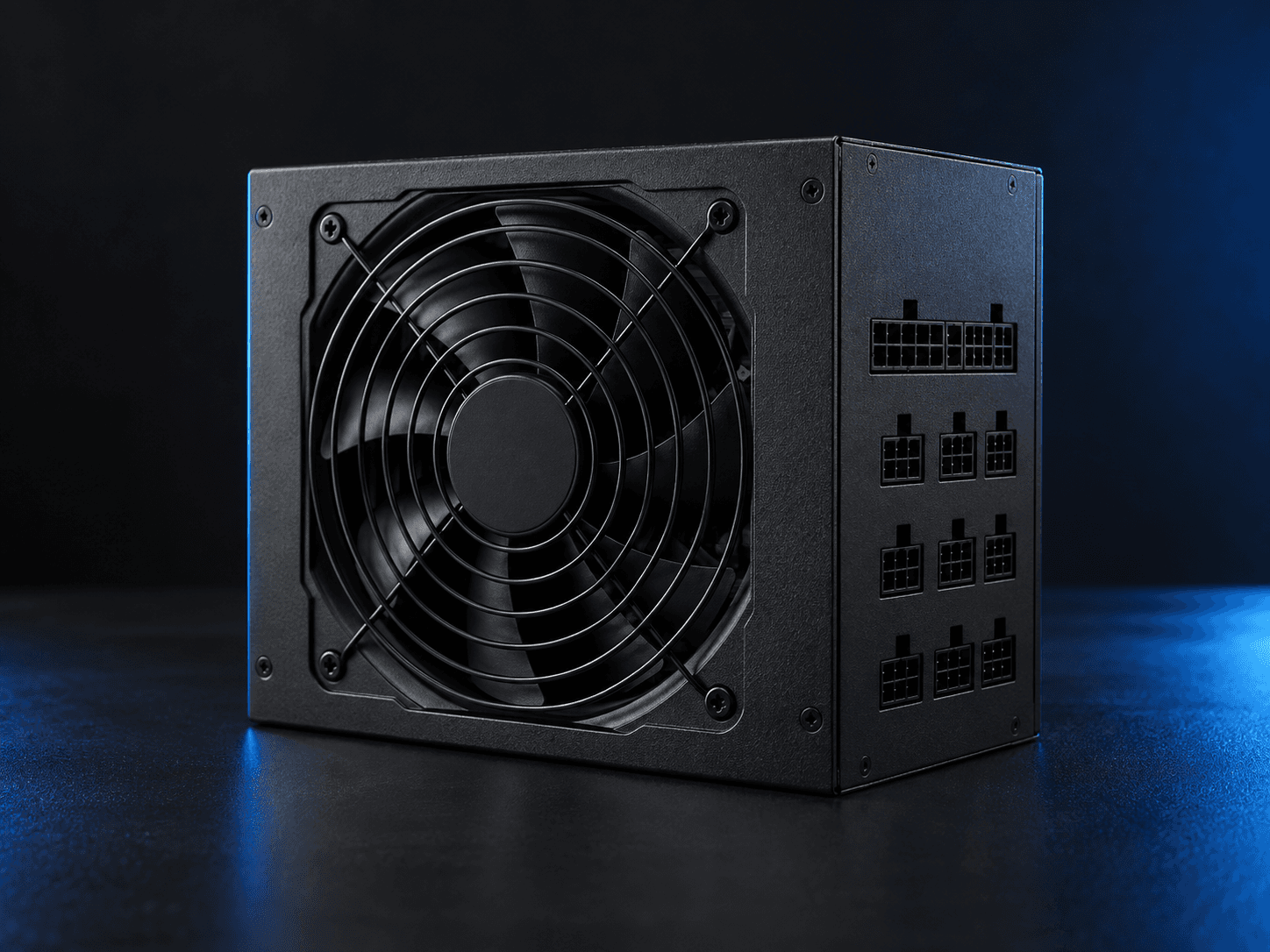
Editorial illustration. Not a photograph of an actual Hekut test or shipment.
Introduction: the wattage label is only the starting point
A B2B ATX power supply decision should begin with the complete PC configuration and finish with a documented, validated combination. Rated output, connector availability, chassis clearance, operating conditions and supplier evidence all belong in that decision. Selecting the largest number within a price target can still leave an assembler short of the right cable, unable to close a side panel or uncertain whether an alternate lot matches the approved sample.
The answer to which PSU a buyer should order is therefore conditional: choose a model that meets the actual platform requirements, provides the approved power connections and has evidence appropriate to the application. This guide gives OEM buyers, distributors and system integrators a process for reaching that answer. The numerical examples are illustrative planning calculations, not recommendations for an unnamed GPU or measurements from a Hekut laboratory.
Describe the workload and operating envelope first
Record processor and graphics-card models, intended power settings, memory, drives, expansion cards, pumps and fans. Describe the product application and operating pattern: ordinary office activity, gaming sessions, continuous rendering or another customer workload. A system that spends most of its time idle raises different efficiency and acoustic questions from a workstation running a sustained compute task. Both still need appropriate power capacity and transition behavior.
Document destination market, expected AC input environment, ambient conditions, enclosure airflow and any customer requirements for standby or idle behavior. Do not assume that a universal-input claim, acoustic mode or operating temperature applies across a supplier's entire range. Ask for the selected model's documentation. The Hekut power supply range can start a sourcing discussion, while the configuration brief determines which specific quotation and sample should be evaluated.
Build a DC output budget that can be audited
Use component documentation to estimate the relevant system load, then add the other powered devices and account for the actual configured operating limits. Keep CPU and GPU estimates distinguishable from motherboard, storage and accessory demand. Review the PSU's output label, including individual and combined rail limits, rather than treating the total headline rating as the only constraint. Where an OEM has measured representative systems, preserve test conditions so those measurements can inform the budget.
Consider an illustrative configuration with 250 W allocated to its graphics card, 120 W to the processor under the defined workload and 70 W for the rest of the system. The planning total is 440 W of DC demand under those assumptions. This arithmetic does not select a PSU on its own: verify manufacturer recommendations, dynamic behavior, temperature rating, power settings and planned upgrades. If the processor limit later changes, revise the budget instead of retaining a convenient original total.
Avoid mixing wall power with component output estimates
A wall-meter reading describes AC input under the conditions of that observation. A component power estimate normally describes a different point in the system. Do not add a wall reading to graphics and processor output estimates as though the values represent independent loads. Keep each measurement boundary explicit and identify whether connected peripherals, a display or other devices are included. If a meter powers a whole workstation group, that reading cannot directly establish the desktop PSU's DC output requirement.
For example, a purchasing sheet might contain a measured total from an existing PC and a proposed graphics card specification. Replacing the old card does not justify simply adding the new card's entire rating to the old whole-system reading. The old measurement already includes the previous graphics demand, conversion losses and a particular workload. Use a consistent component budget or a properly defined comparative measurement instead. Ask engineering to state the assumptions behind a revised estimate, then verify the released configuration. This avoids both accidental double counting and an optimistic subtraction that ignores other configuration changes. Preserve the calculation with the sample record so later buyers understand why the selected capacity was considered appropriate.
| Budget entry | Record | Reason |
|---|---|---|
| Processor | Exact model and configured power policy | A model name alone does not describe every operating state |
| Graphics card | Exact board and manufacturer power guidance | Board variants and connections can differ |
| Other DC loads | Drives, fans, pumps and expansion devices | Small individual loads still form part of the system |
| Operating conditions | Ambient, airflow and duty cycle | Rated capability must suit the intended environment |
| Future variants | Specific approved alternate components | Upgrade allowance needs a defined purpose |
Keep sustained capacity and power excursions separate
A sustained load budget describes one part of PSU suitability. Rapid workload changes can place different demands on the supply, cables and platform. Intel's conventional multi-rail ATX design guidance contains a dedicated power-excursion framework; this is a useful technical reference when asking a supplier what revision and performance requirements a model supports. Do not convert a short-duration capability statement into a promise that a PSU can continuously deliver above its rated output.
Ask for model-specific evidence that corresponds to the claimed design revision and relevant test conditions. If the supplier offers only a generic ATX compatible label, request clarification. Then validate the selected unit in the intended system, including workload transitions and restart behavior. A system test and an electrical design assessment answer complementary questions. A desktop computer that finishes one benchmark is not evidence that every design-guide requirement has been measured.
Approve every connector and cable as part of the build
Create a connection list covering motherboard main power, CPU power, graphics power, drives and accessories. Specify required cable lengths and connector quantities, including the number of independent runs where the component manufacturer requires them. A PSU can have sufficient output capacity but lack the cable arrangement needed for the selected board. Identify the actual GPU power input rather than assuming that all cards of a performance class share one connector.
Modular PSU cables are not universally interchangeable at the PSU end. Keep approved cable part numbers tied to the exact PSU model and revision. Corsair publishes a compatibility chart for its own cable families, demonstrating why fit alone is not a compatibility test. For another brand or an OEM platform, obtain the relevant supplier confirmation. Installation preparation should include clear separation of CPU and graphics power cables and a controlled replacement-cable process.
Treat adapters as a configuration choice
If an adapter is needed, specify its source, compatibility and installation requirements in the approved bill of materials. Do not let assembly operators substitute convenient loose adapters from a shared bin. Confirm the component manufacturer's instructions, inspect seating and account for the added connector stack and routing space. An approved adapter solution still needs a physical fit check in the final chassis.
Check enclosure fit and assembly access
Confirm PSU form factor, body dimensions, mounting arrangement, intake orientation and cable-exit location. An ATX mounting pattern does not guarantee that a longer body leaves enough room for a drive cage or modular plugs. Measure usable space with the actual cage, cables and panels installed. Where the chassis uses a shroud, verify that the assembler can reach the connectors without forcing cables against a metal edge.
Evaluate the service operation as well as initial assembly. A system that requires removing several unrelated components to replace one cable can add labor to after-sales support. Document the routing path, tie points and clearance around fans. Check that closing the panel does not place side load on a graphics connector or compress a cable bundle sharply. If the final system is shipped assembled, assess whether transit movement could disturb the approved route.
Interpret efficiency evidence without overstating it
Efficiency describes how much input power becomes useful DC output at specified conditions. The 80 PLUS program provides a model-searchable efficiency certification resource. If a quotation claims a rating, verify the exact model and applicable report in the program's records. A badge on a generic product image is not enough. Match the report's conditions to the claim rather than transferring a certificate from another wattage or model family.
Efficiency is also only one purchasing dimension. It does not independently establish acoustic behavior, cable compatibility, warranty support or all aspects of electrical quality. For an illustrative energy comparison, state the load, efficiency assumptions, operating hours and electricity rate before calculating an expected difference. A large advertised percentage without those inputs may have little relevance to the buyer's actual duty cycle. Request the evidence needed for the program instead of treating one label as a complete acceptance test.
Evaluate acoustics and thermal behavior in the finished system
Ask how the PSU fan behaves across load and temperature, whether a selectable fan mode exists and which mode the sample uses. The enclosure can change the noise a user hears through airflow restriction, vibration or panel resonance. A quiet result from an open bench may not translate to an assembled office PC. Define a practical acoustic objective and the observation conditions before comparing samples.
For thermal evaluation, use the intended workload and enclosure arrangement and monitor relevant system behavior. Do not block ventilation to create an improvised stress test or claim a laboratory standard from an undocumented setup. If formal thermal or acoustic data is required, agree an appropriate method and evidence source. Keep configuration changes visible: adding a GPU, moving a drive cage or changing intake filters can alter the environment around the PSU and should prompt a review.
Make the sample comparison repeatable
Compare candidates in the same chassis with the same components, workload and fan settings. Record room conditions and whether side panels and filters are installed. Change one candidate at a time and preserve observations from each run. If the PSU has a selectable mode, record its position rather than allowing an unnoticed switch difference to decide the comparison. These controls do not turn a workshop into an acoustic laboratory, but they make practical observations more useful for a buying decision.
Use a decision sheet with separate entries for acceptable behavior and preference. For example, a buyer may accept both candidates electrically while preferring the one whose fan behavior suits an office environment. Conversely, a pleasant sound should not compensate for a missing required connector. Separate mandatory acceptance from weighted commercial preferences so the final recommendation can be explained to purchasing, engineering and the end customer.
Separate engineering qualification from shipment inspection
Engineering qualification should establish that the selected PSU and cable set work in the approved platform. Shipment inspection then checks that delivered units match that released configuration and meet the agreed acceptance requirements. Inspect model identity, output label, AC cord, cable contents, connector condition, packaging and lot traceability. Define functional and electrical test coverage in the inspection agreement rather than leaving factory testing as an undefined promise.
Ask what the supplier measures, under which conditions and how results are linked to units or samples. A basic PSU tester can support a limited screening task, but it cannot replace appropriate equipment for detailed dynamic or ripple measurements. Where a third-party report is supplied, match the model and revision. If units are reworked, preserve the finding, corrective action and reinspection record. The buyer needs evidence of the accepted state, not an unexplained pass mark.
Compare total program cost and change control
Compare suppliers on a consistent scope that includes the actual cable set, regional AC cord, documentation, packaging, samples, test coverage and warranty terms. A low unit price can become less attractive if the assembler must source missing cables, perform unplanned rework or hold replacement inventory without traceability. Quantify costs you can support and keep uncertain assumptions visible. This makes a quotation comparison more useful than speculative failure-rate claims.
Plan the replacement route before release. Define whether a service replacement includes its own cable set and how technicians identify compatible parts. Ask for notification before changes to cable interfaces, internal platform, fan behavior or other features that matter to the program. Supplier continuity is not only about retaining a familiar model name; the configuration that satisfied acceptance needs to remain identifiable across repeat orders.
Use an approved-alternate list with limits
An alternate PSU should have its own qualification record, not inherit approval from a similar wattage. Record the builds it may support, cable kit, form factor and any assembly differences. Keep the alternate list narrow enough for purchasing and service teams to follow. If an alternate changes the routing or connector arrangement, update assembly instructions before it reaches the production station.
Prepare an RFQ that produces comparable answers
Send the complete system brief, target quantities, delivery schedule and destination. Include the DC planning budget, required power connections, cable lengths, chassis envelope, efficiency claim to be verified and inspection requirements. Ask suppliers to identify exceptions and proposed alternates explicitly. A useful response should say what is offered, what evidence exists and what still needs sample confirmation.
Hekut operates an 8,000 m² factory in Shenzhen. To discuss an ATX PSU program, send your requirements or email info@Hekut.com with the CPU, graphics card, chassis and intended application. Product-specific capability, certifications, performance records and customization feasibility should be confirmed for the quoted model. This helps keep the sourcing conversation factual while allowing the sample plan to focus on your actual procurement risks.
Clarify regional accessory and document scope
The AC cord is part of the delivered configuration. Specify the destination and ask the supplier to confirm the appropriate cord and supporting documentation for the order. If the same PSU will be sold in several markets, use separate pack identifiers where accessories or documentation differ. This helps warehouse staff avoid replacing one missing cord with a visually similar item from an unrelated shipment. Include carton labeling, language requirements and the evidence needed by your importer in the quotation review.
Frequently asked questions about B2B PSU selection
How much wattage headroom should a PC buyer allow?
Use the actual component requirements, power settings, operating conditions and intended upgrades. A universal percentage cannot replace those inputs. Build an auditable budget, follow component manufacturer guidance and evaluate a suitable model's continuous and dynamic capabilities before approving the final system.
Does an ATX 3.x label mean the PSU uses the newest PCIe data link?
No. PSU design revisions and PCI Express data-link generations describe different things. The selected GPU, motherboard and processor determine the data interface. Specify PSU revision and power connectors separately from the platform's PCIe lane and generation requirements.
Can a higher efficiency model solve an undersized PSU budget?
No. Efficiency affects input power for a given DC output; it does not convert a PSU into a higher continuous output rating. Choose sufficient documented capacity and suitable connectors first, then compare efficiency and operating costs under relevant conditions.
Should a distributor stock one high-wattage PSU for every build?
One model can simplify inventory if it genuinely meets all released configurations, but it may introduce unnecessary cost, size or cable complexity for smaller systems. Compare the total program impact and validate the intended build families rather than assuming one rating is universally appropriate.
What is the most useful evidence to request with a sample?
Request exact model identity, output specifications, supported design revision, cable list, relevant reports and a clear description of test conditions. Add your own assembled-system validation. The documents and sample should refer to the same configuration that will be quoted and delivered.
Conclusion: approve the power path, not just the PSU
An effective ATX power supply selection process connects a realistic load budget to documented capability, correct cables, physical fit and repeatable installation. Efficiency, acoustics, quality records and service planning then refine the choice. Keeping these decisions together reduces the chance that a purchasing shortcut becomes a production interruption.
Before placing a bulk order, complete the connection list, test the proposed sample in the finished build and agree how later lots and replacements will remain consistent. Share that configuration with Hekut to request a product review, sample discussion and quotation based on the requirements your customers actually need.